Earn $5 per referral when you refer your friends 🎉Learn more here
Global Payments
without borders
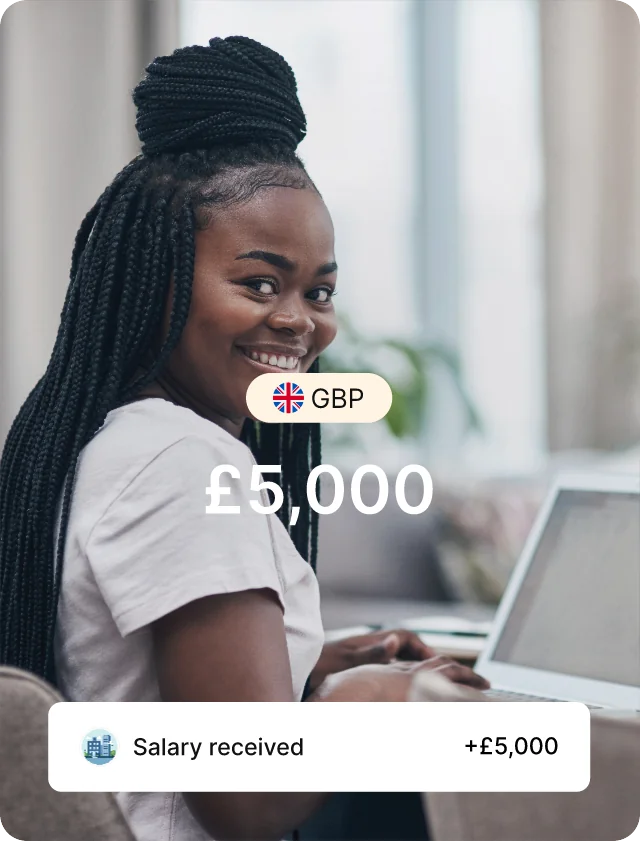
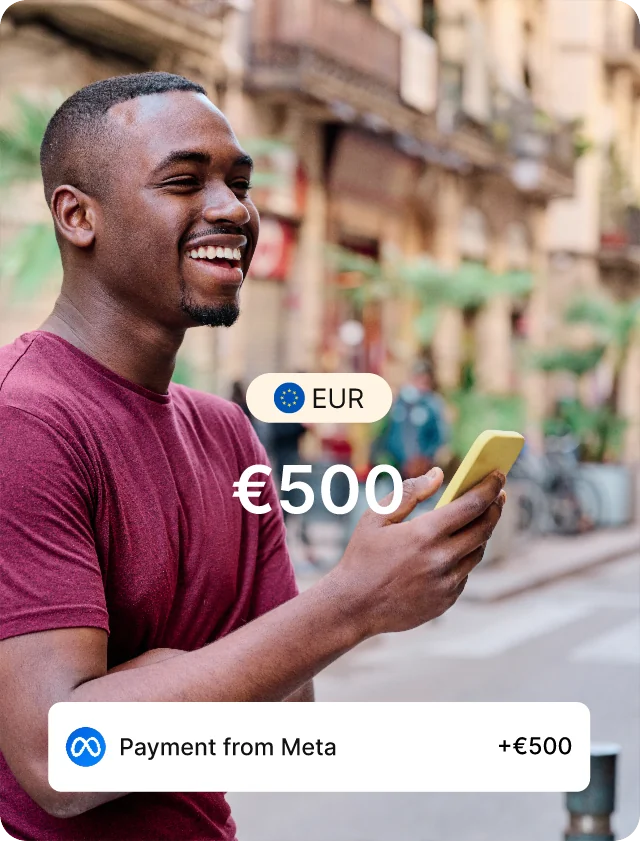
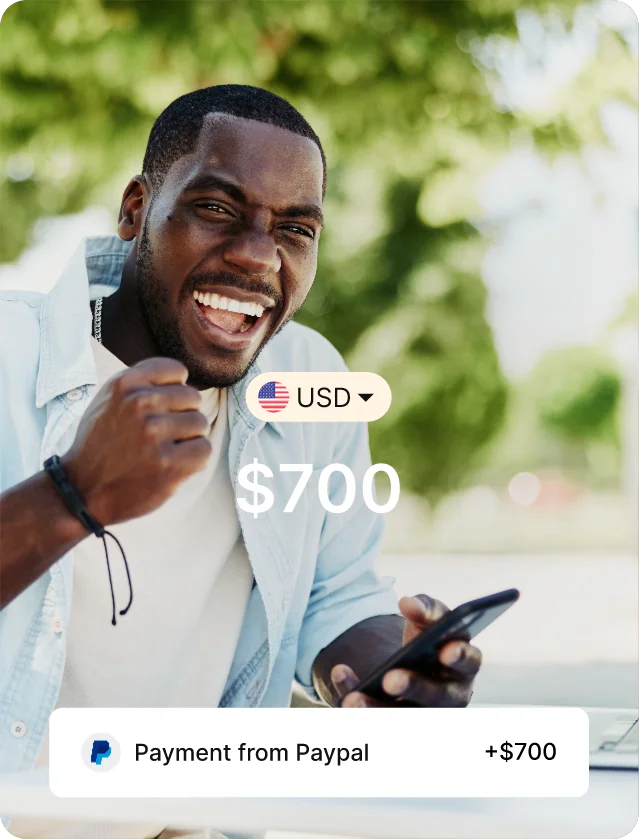
Get paid in USD, GBP, and EUR, regardless of where you're based. Save and spend in dollars and enjoy life without financial borders.






Cleva is featured on





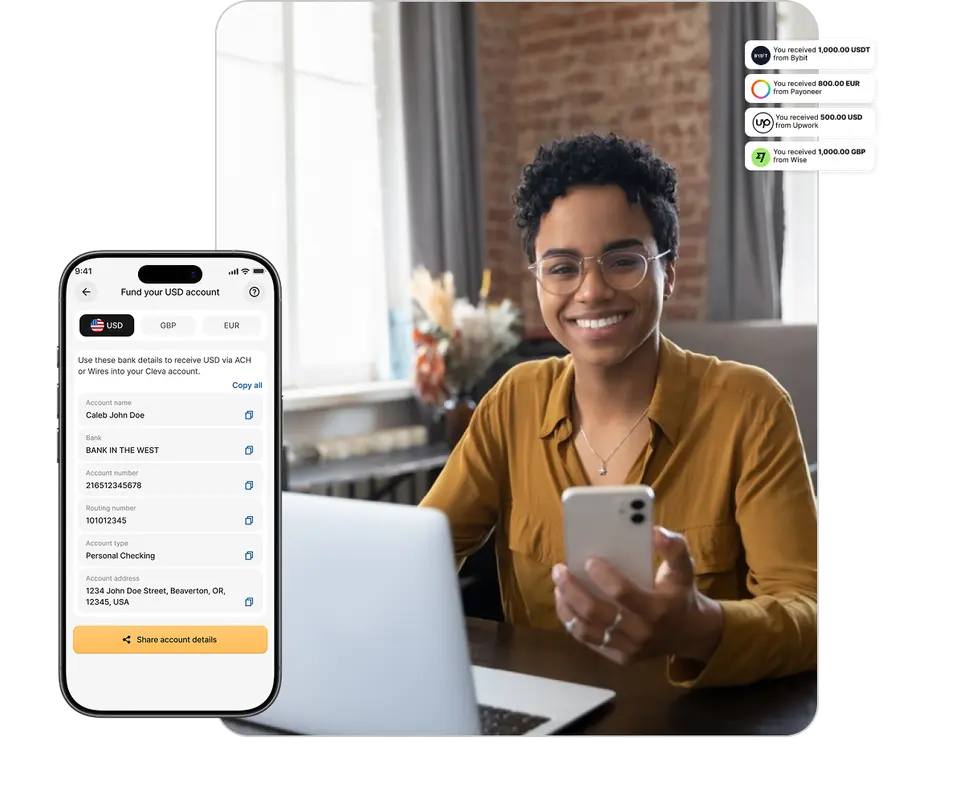
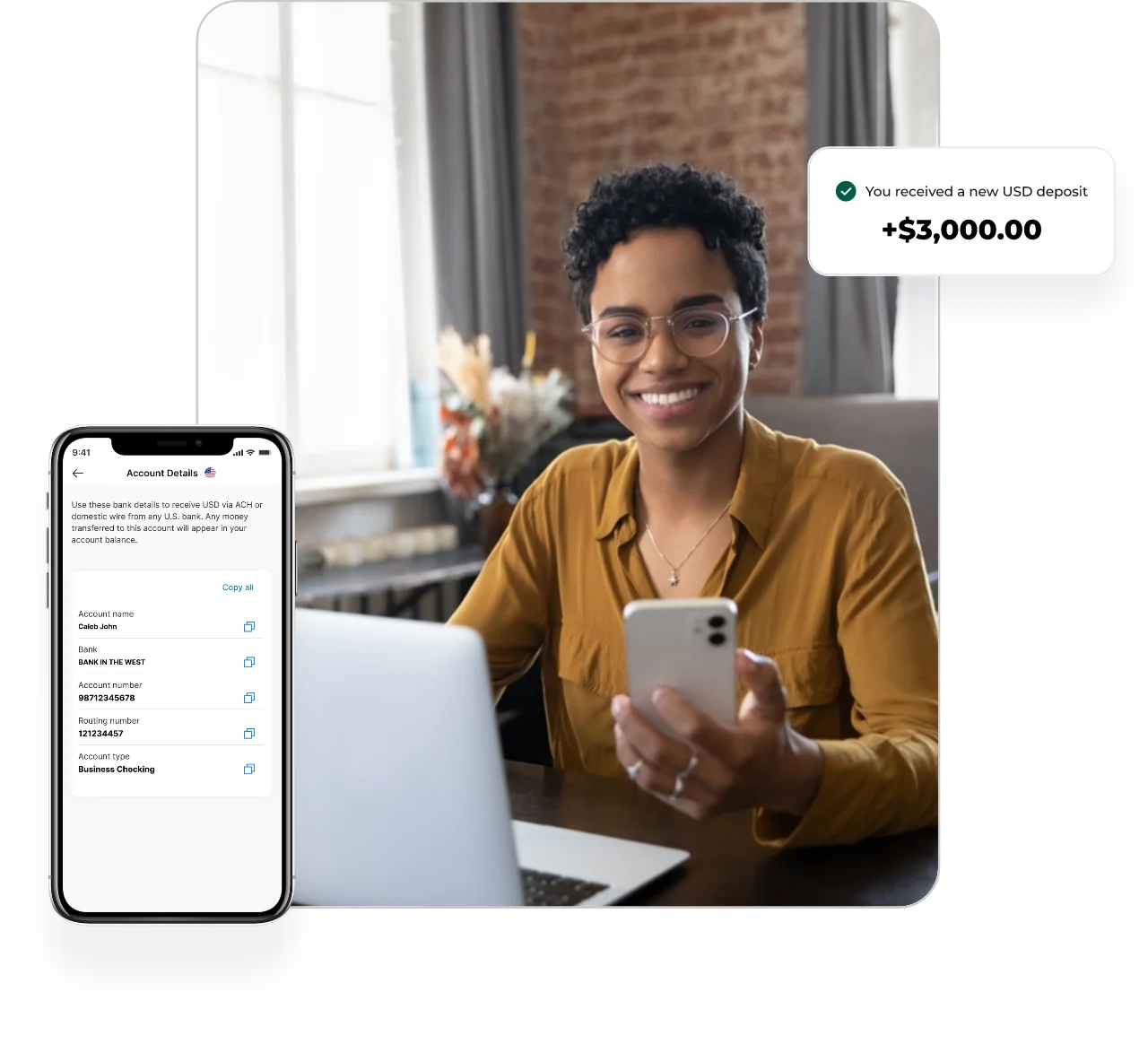
Receive payment globally
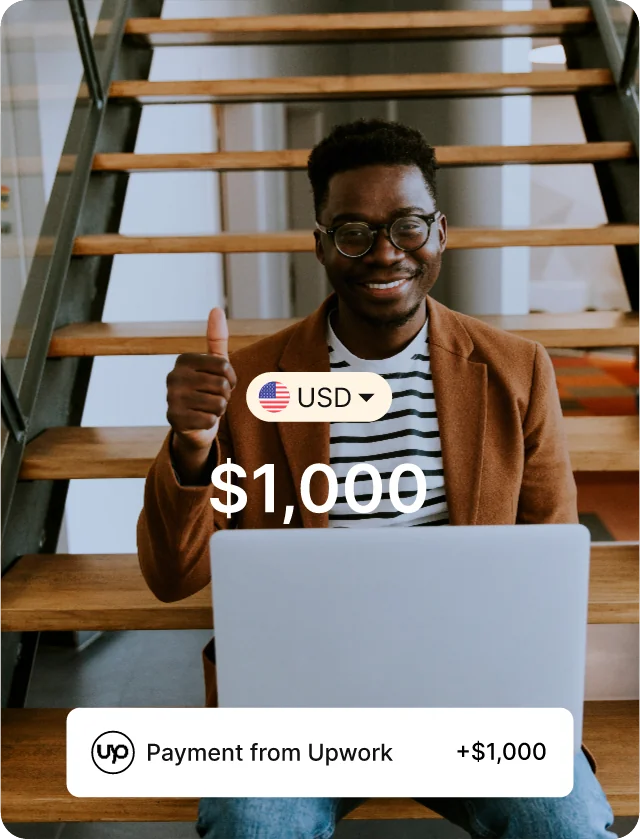
Receive payments in USD, GBP, and EUR from clients, employers, investors, and global platforms like Upwork, Deel, Amazon, and more.
Clever people use Cleva
GETCLEVA
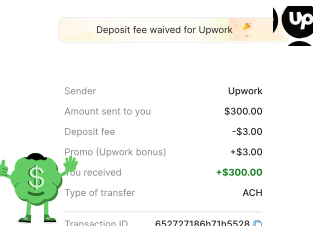
Free Upwork deposits
Receive your Upwork payments on Cleva without any transaction fees. Every dollar you earn lands in full.
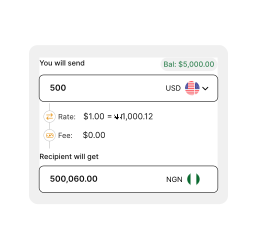
Instantly convert currencies
Convert your USD to local currency whenever you want, at the best exchange rate.
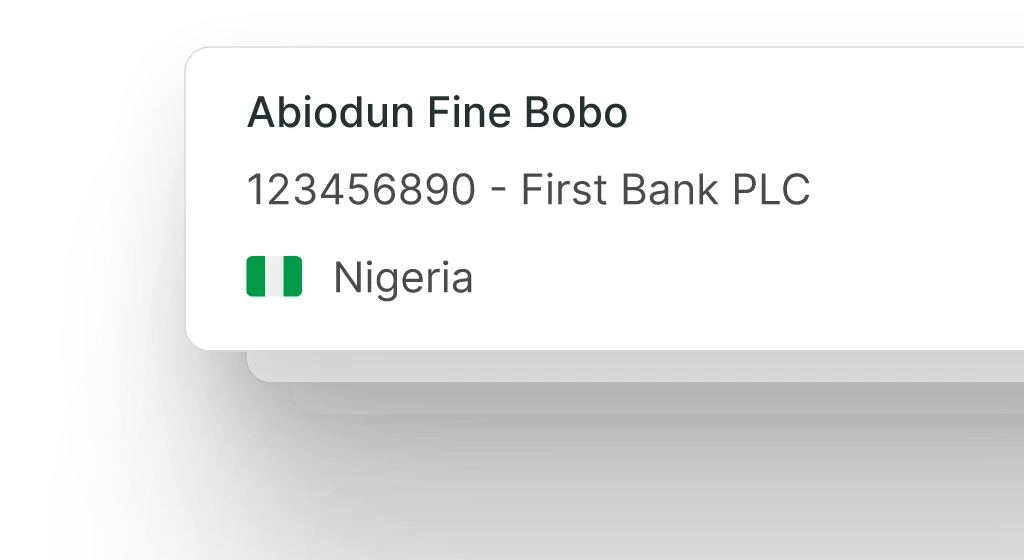
Free local transfers
Transfer for free from your Cleva account to your local bank account.
Free Cleva to Cleva transfers
Enjoy free and instant transfers when you send money to your friends and family on Cleva.

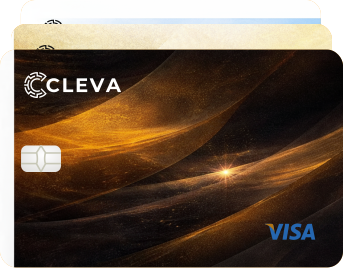
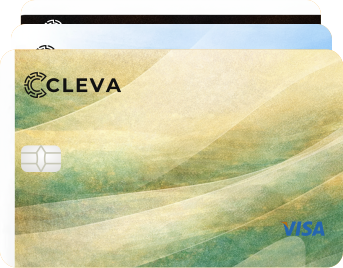
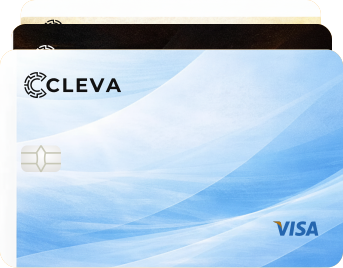

Virtual USD card that works
Unlock global transactions with a trustworthy and reliable virtual USD card that’s got your back.
Learn moreSave in USD & earn up to 3% annual rewards in USD
Earn rewards when you keep funds in Cleva Pots. Your funds are available to you anytime for easy withdrawal.


Get cashback with Cleva Points
Every transaction counts! Earn Points when you transact on Cleva, and redeem those Points for USD, data and electricity.
Get StartedAlso built for businesses
Get a professional USD, GBP, and EUR account in your business name to receive payments from your customers worldwide.
Learn more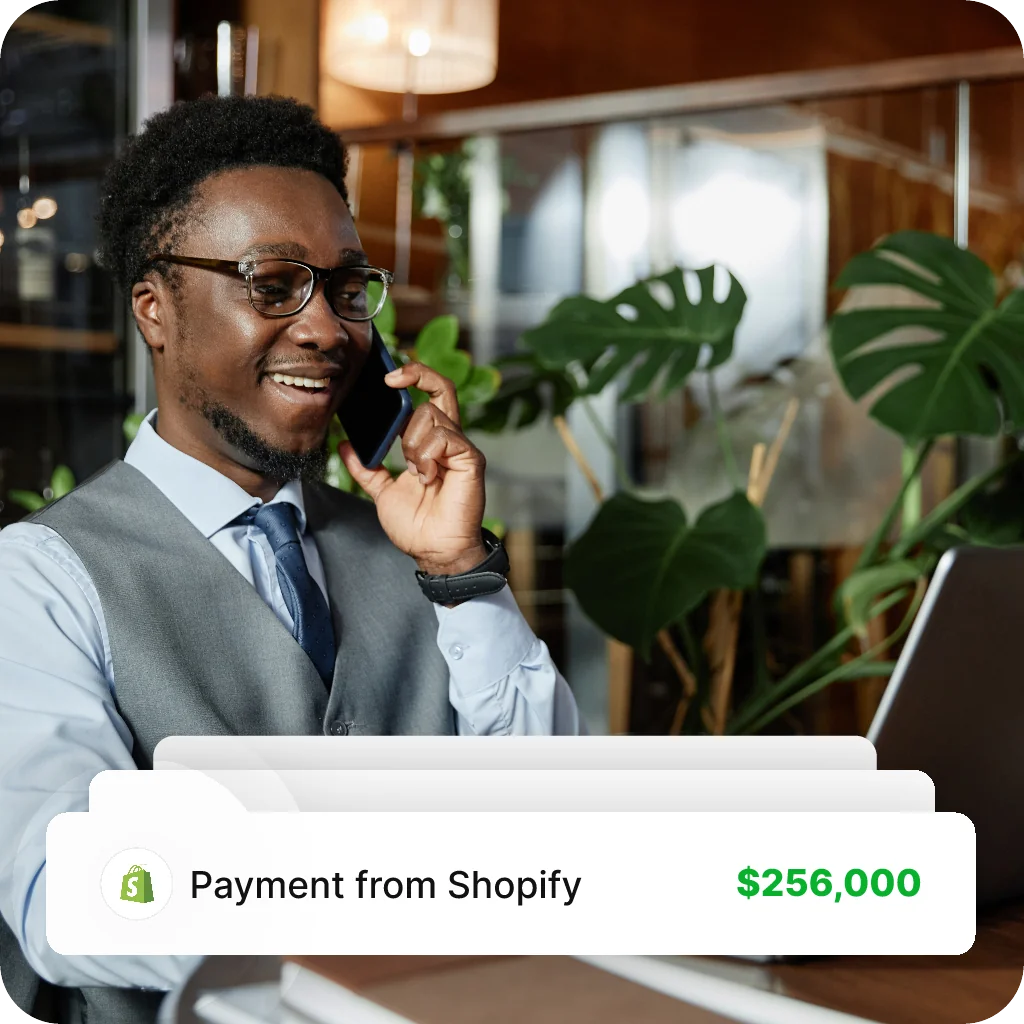
How to get started
3 simple steps to start receiving payments into your Cleva account


Create your Cleva Account
Sign up with just an email and get a free Cleva account

Complete KYC
Verify your Identity using your government-issued ID


Get your global accounts
Start receiving USD, GBP, EUR, and spend with your Cleva card
Your money, your peace of mind

Safety of funds
Your funds are securely processed by our licensed U.S-based financial partners. Cleva is also registered as a Money Service Business (MSB) with the United States’ Financial Crimes Enforcement Network (FinCEN)

Capped Fees

Fast Transactions

What Our Users Say
Our users share how Cleva is transforming payments for them.
“Cleva has transformed my payments experience! Setting up a USD account was quick and seamless, and the platform’s intuitive design makes managing finances effortless. As a product and web developer, I appreciate the security and flexibility Cleva offers. Proud to be part of the Cleva community!”

Kayode Okedigba
Product & Web Developer
“Receiving my salary through Cleva has been an incredibly seamless experience. I can easily convert my salary to Naira and make transfers to any account within minutes. The process has been 100% reliable, with funds reflecting promptly without any delays. This has made my experience as a product manager working remotely for a foreign company from Nigeria so much easier when it comes to receiving my salary. Cleva truly delivers on efficiency and convenience.”

Gbemisola Tijani
Product Manager
“Cleva has made receiving international funds so easy for me. My story before Cleva was heavily stressful, time-consuming and inconsistently frustrating but guess what? I don't know what that feels like anymore. Run me my funds and Cleva is ready to do the heavy lifting. I'm a chilled guy now, thanks to Cleva.”

Pascal Awuzie
Lead Product Manager, Honor Inc.
“Cleva has quickly become one of my favorite financial apps because it does the most important thing for my financial life- It helps me seamlessly secure my international payments. I haven't had an unresolvable issue with Cleva yet, and I hope it continues this way. I found Cleva at a time when I was struggling to find a finance app that could help me receive money for work I had done in January 2024. Cleva was and still is the Superman to my Lois Lane and I'm sticking beside him till further notice.”

Sandra Tabansi
Freelance content marketer
“Cleva Bank has made managing my finances so much easier. It’s straightforward to use, and I don’t have to stress about payments or tracking expenses anymore. As a software engineer, I also appreciate how seamless and reliable their platform is—it saves me time and just works when I need it.”

Arowolo Kehinde
Author
“Cleva has revolutionized how I receive international payments for my books. Fast, secure, and user-friendly, it offers low fees and competitive exchange rates. The exceptional customer support makes the experience seamless. I’ve recommended it to friends, it’s truly a game-changer! 5/5 stars.”

Oguwike Blessing Oluebube
Software Engineer
“Using Cleva as a freelancer has made my financial decisions easier….Transactions are very fast and the transactions via Cleva tags makes sending dollars from one Cleva account to another very easy and prompt.”

Gafar Majeed Ayodele
Business/Data Analyst
“I found Cleva at the last minute of trying to receive payment for a gig, and I'm glad I found it. Signing up was super easy, getting my money has been seamless, and the customer service response is so impressive. Among several others, my favourite feature would be prompt updates on any development; it makes me feel my money is safe and the team puts customers first. I look forward to other offerings in the coming months. ”

Ayo Falaye
Writer
“Cleva has transformed my payments experience! Setting up a USD account was quick and seamless, and the platform’s intuitive design makes managing finances effortless. As a product and web developer, I appreciate the security and flexibility Cleva offers. Proud to be part of the Cleva community!”
Kayode Okedigba
Product & Web Developer
“Receiving my salary through Cleva has been an incredibly seamless experience. I can easily convert my salary to Naira and make transfers to any account within minutes. The process has been 100% reliable, with funds reflecting promptly without any delays. This has made my experience as a product manager working remotely for a foreign company from Nigeria so much easier when it comes to receiving my salary. Cleva truly delivers on efficiency and convenience.”
Gbemisola Tijani
Product Manager
“Cleva has made receiving international funds so easy for me. My story before Cleva was heavily stressful, time-consuming and inconsistently frustrating but guess what? I don't know what that feels like anymore. Run me my funds and Cleva is ready to do the heavy lifting. I'm a chilled guy now, thanks to Cleva.”
Pascal Awuzie
Lead Product Manager, Honor Inc.
“Cleva has quickly become one of my favorite financial apps because it does the most important thing for my financial life- It helps me seamlessly secure my international payments. I haven't had an unresolvable issue with Cleva yet, and I hope it continues this way. I found Cleva at a time when I was struggling to find a finance app that could help me receive money for work I had done in January 2024. Cleva was and still is the Superman to my Lois Lane and I'm sticking beside him till further notice.”
Sandra Tabansi
Freelance content marketer
“Cleva Bank has made managing my finances so much easier. It’s straightforward to use, and I don’t have to stress about payments or tracking expenses anymore. As a software engineer, I also appreciate how seamless and reliable their platform is—it saves me time and just works when I need it.”
Arowolo Kehinde
Author
“Cleva has revolutionized how I receive international payments for my books. Fast, secure, and user-friendly, it offers low fees and competitive exchange rates. The exceptional customer support makes the experience seamless. I’ve recommended it to friends, it’s truly a game-changer! 5/5 stars.”
Oguwike Blessing Oluebube
Software Engineer
“Using Cleva as a freelancer has made my financial decisions easier….Transactions are very fast and the transactions via Cleva tags makes sending dollars from one Cleva account to another very easy and prompt.”
Gafar Majeed Ayodele
Business/Data Analyst
“I found Cleva at the last minute of trying to receive payment for a gig, and I'm glad I found it. Signing up was super easy, getting my money has been seamless, and the customer service response is so impressive. Among several others, my favourite feature would be prompt updates on any development; it makes me feel my money is safe and the team puts customers first. I look forward to other offerings in the coming months. ”
Ayo Falaye
Writer
“Cleva has transformed my payments experience! Setting up a USD account was quick and seamless, and the platform’s intuitive design makes managing finances effortless. As a product and web developer, I appreciate the security and flexibility Cleva offers. Proud to be part of the Cleva community!”
Kayode Okedigba
Product & Web Developer
“Receiving my salary through Cleva has been an incredibly seamless experience. I can easily convert my salary to Naira and make transfers to any account within minutes. The process has been 100% reliable, with funds reflecting promptly without any delays. This has made my experience as a product manager working remotely for a foreign company from Nigeria so much easier when it comes to receiving my salary. Cleva truly delivers on efficiency and convenience.”
Gbemisola Tijani
Product Manager
“Cleva has made receiving international funds so easy for me. My story before Cleva was heavily stressful, time-consuming and inconsistently frustrating but guess what? I don't know what that feels like anymore. Run me my funds and Cleva is ready to do the heavy lifting. I'm a chilled guy now, thanks to Cleva.”
Pascal Awuzie
Lead Product Manager, Honor Inc.
“Cleva has quickly become one of my favorite financial apps because it does the most important thing for my financial life- It helps me seamlessly secure my international payments. I haven't had an unresolvable issue with Cleva yet, and I hope it continues this way. I found Cleva at a time when I was struggling to find a finance app that could help me receive money for work I had done in January 2024. Cleva was and still is the Superman to my Lois Lane and I'm sticking beside him till further notice.”
Sandra Tabansi
Freelance content marketer
“Cleva Bank has made managing my finances so much easier. It’s straightforward to use, and I don’t have to stress about payments or tracking expenses anymore. As a software engineer, I also appreciate how seamless and reliable their platform is—it saves me time and just works when I need it.”
Arowolo Kehinde
Author
“Cleva has revolutionized how I receive international payments for my books. Fast, secure, and user-friendly, it offers low fees and competitive exchange rates. The exceptional customer support makes the experience seamless. I’ve recommended it to friends, it’s truly a game-changer! 5/5 stars.”
Oguwike Blessing Oluebube
Software Engineer
“Using Cleva as a freelancer has made my financial decisions easier….Transactions are very fast and the transactions via Cleva tags makes sending dollars from one Cleva account to another very easy and prompt.”
Gafar Majeed Ayodele
Business/Data Analyst
“I found Cleva at the last minute of trying to receive payment for a gig, and I'm glad I found it. Signing up was super easy, getting my money has been seamless, and the customer service response is so impressive. Among several others, my favourite feature would be prompt updates on any development; it makes me feel my money is safe and the team puts customers first. I look forward to other offerings in the coming months. ”
Ayo Falaye
Writer

Frequently Asked Questions
Get answers to your questions about Cleva
Why is Cleva different?

Where can I receive money from?
Is there a fee to open a Cleva USD, GBP or EUR account?

Download the Cleva App & get started now!